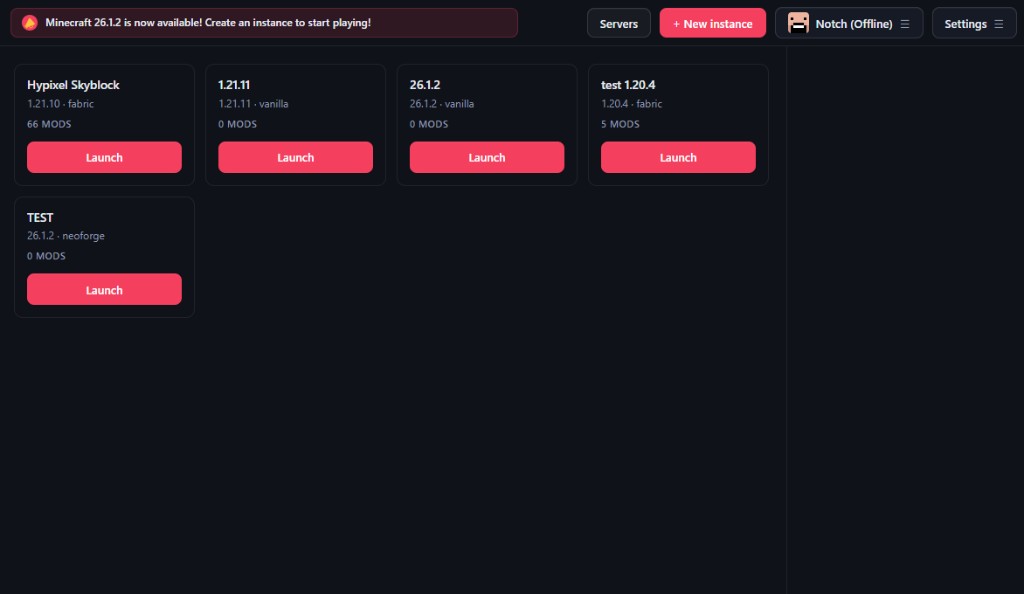
Instance Management
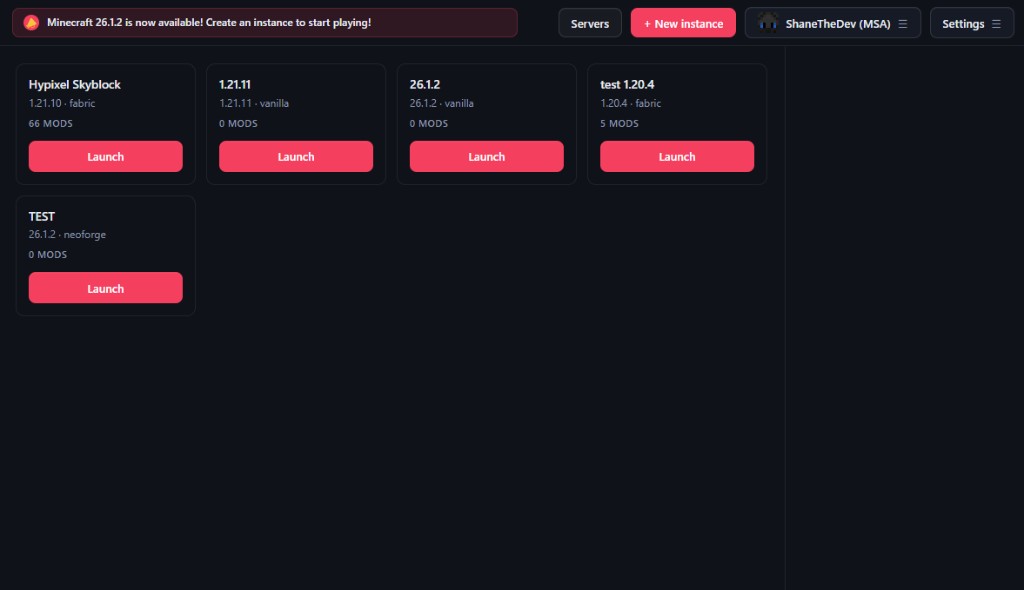
Keep separate Minecraft setups for survival, modpacks, testing, and creative worlds.
 Launcher
Simple. Fast. Focused.
Minecraft setups multiply fast—instances, mod loaders, which account you're on. SDLauncher keeps that mess sorted so you're not babysitting menus; you open it, hit play, and go.
Features
We keep SDLauncher deliberately light—a direct layout and a tidy shell—so extras only show up when you go looking for them.
Keep separate Minecraft setups for survival, modpacks, testing, and creative worlds.
A dark, compact layout designed around quick choices and clear launcher status.
Built as a foundation for future downloads, mod tools, accounts, updates, and more.
Showcase
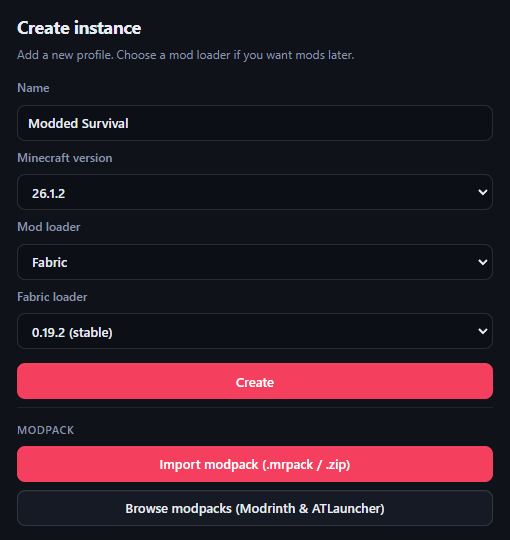
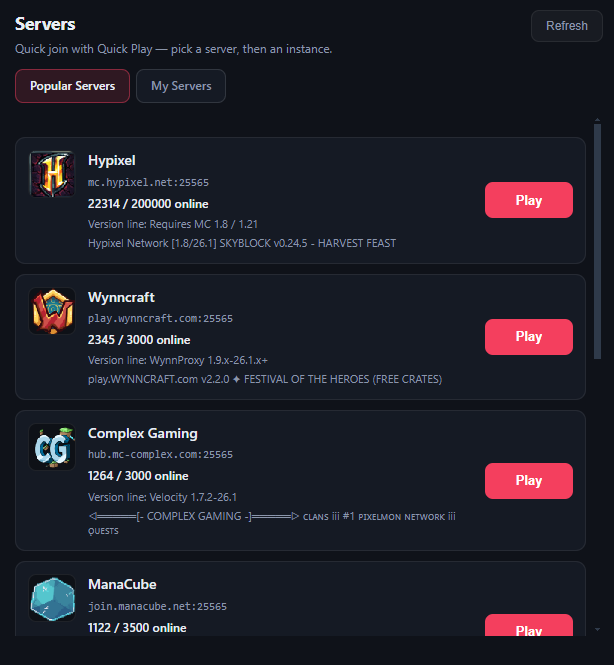
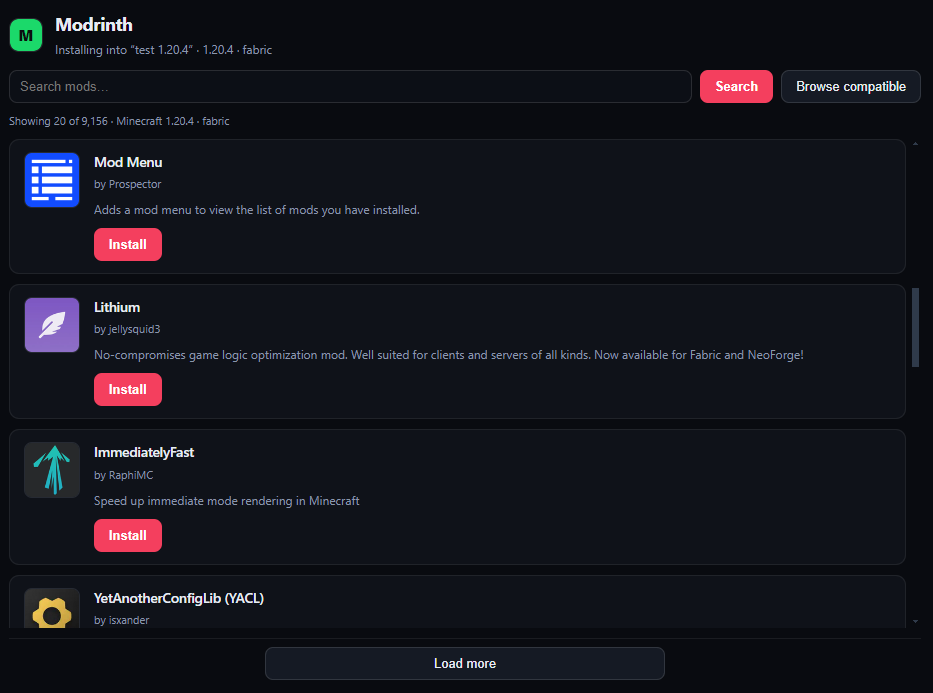
A dark, focused UI for creating profiles, joining popular servers with Quick Play, browsing Modrinth, and hopping back into Minecraft.
Get the launcher